System Audit Criteria
The System Audit Criteria screen allows you to start the System Audit Process. The System Audit Process performs an application level check of the transactions posted to the financial tables to check for out of balance instances. The process reconciles the current values in the tables with the tables' previous values added to all transactions that have posted since the last time the System Audit Process was run. The results of the System Audit Process are stored in the system audit results table and can be viewed on the System Audit report.
General
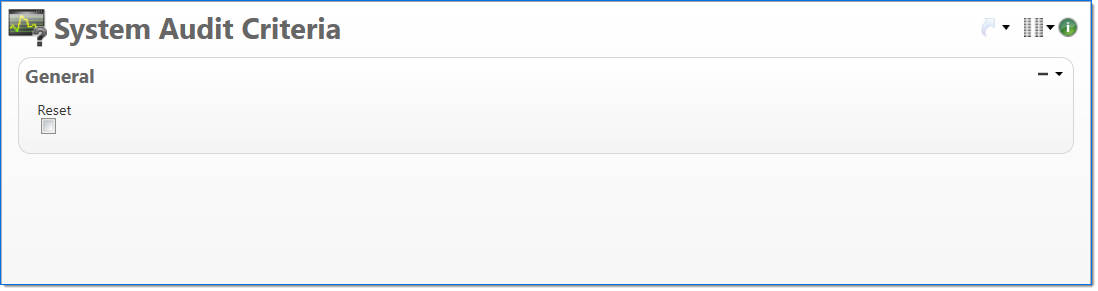
In the General area, specify whether the System Audit Process searches the application for out of balance instances.
| Field | Description |
|---|---|
| Reset | Select the Reset checkbox to reset the system audit results table. If you select the checkbox, the System Audit Process updates the system audit results table without a search of the application for out of balance instances. This forces the System Audit report to balance even if out of balance instances exist. If you deselect the checkbox, the System Audit Process searches the application for out of balance instances before it updates the system audit results table. |