EFT Prenote Rejection
The EFT Prenote Rejection screen allows you to indicate that a prenote instance was rejected by the bank. In addition, you can remove an existing EFT prenote instance so that the related employee, vendor or client bank account number / bank routing number may be again generated through the Pre-Notification process.
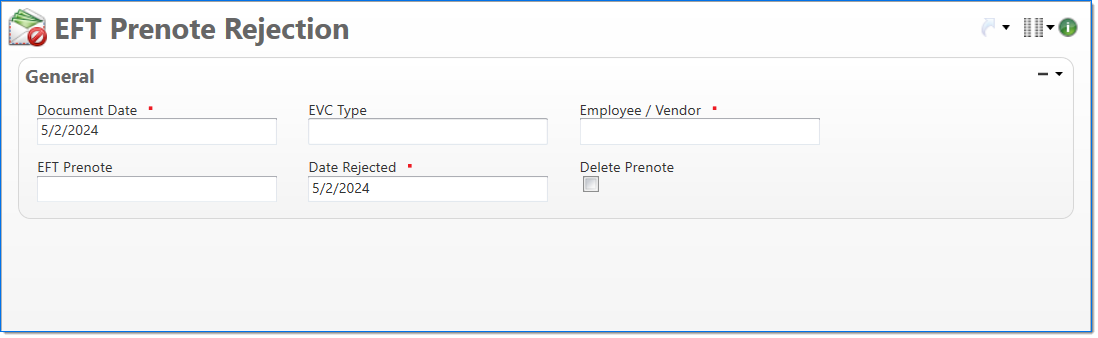
General
In the General area, enter EFT prenote rejection information.
| Field | Description | |
|---|---|---|

|
Document Date | Enter or select the date associated with the request. |
| EVC Type | Select either Employee or Vendor. | |
|
|
Employee / Vendor | Select either Employee or Vendor. Only active Employee and Vendor instances that match the EVC Type can be selected. |
| EFT Prenote | Select the EFT Prenote instance that will be updated or rejected. | |
|
|
Date Rejected | Enter the date the prenote instance was rejected by the bank. |
| Delete Prenote | Select to indicate that the payment request process deletes the existing EFT prenote. | |